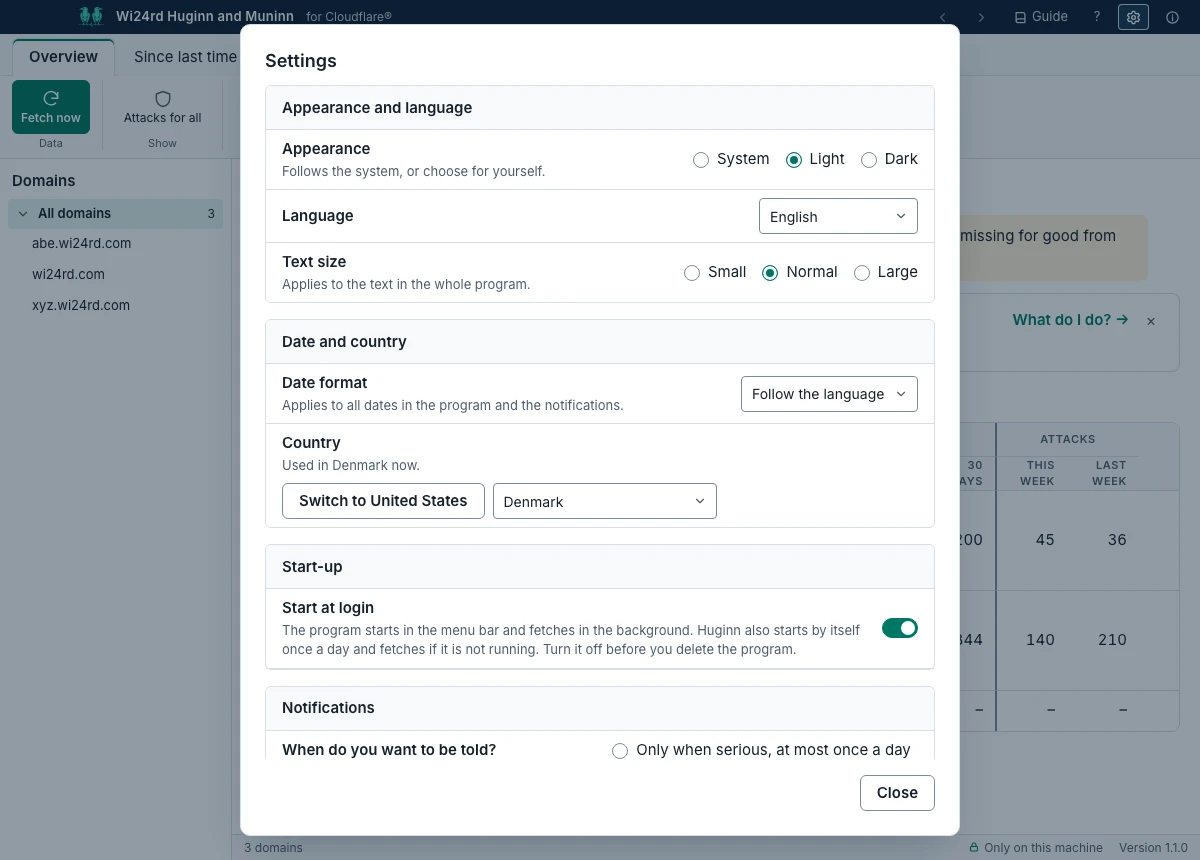
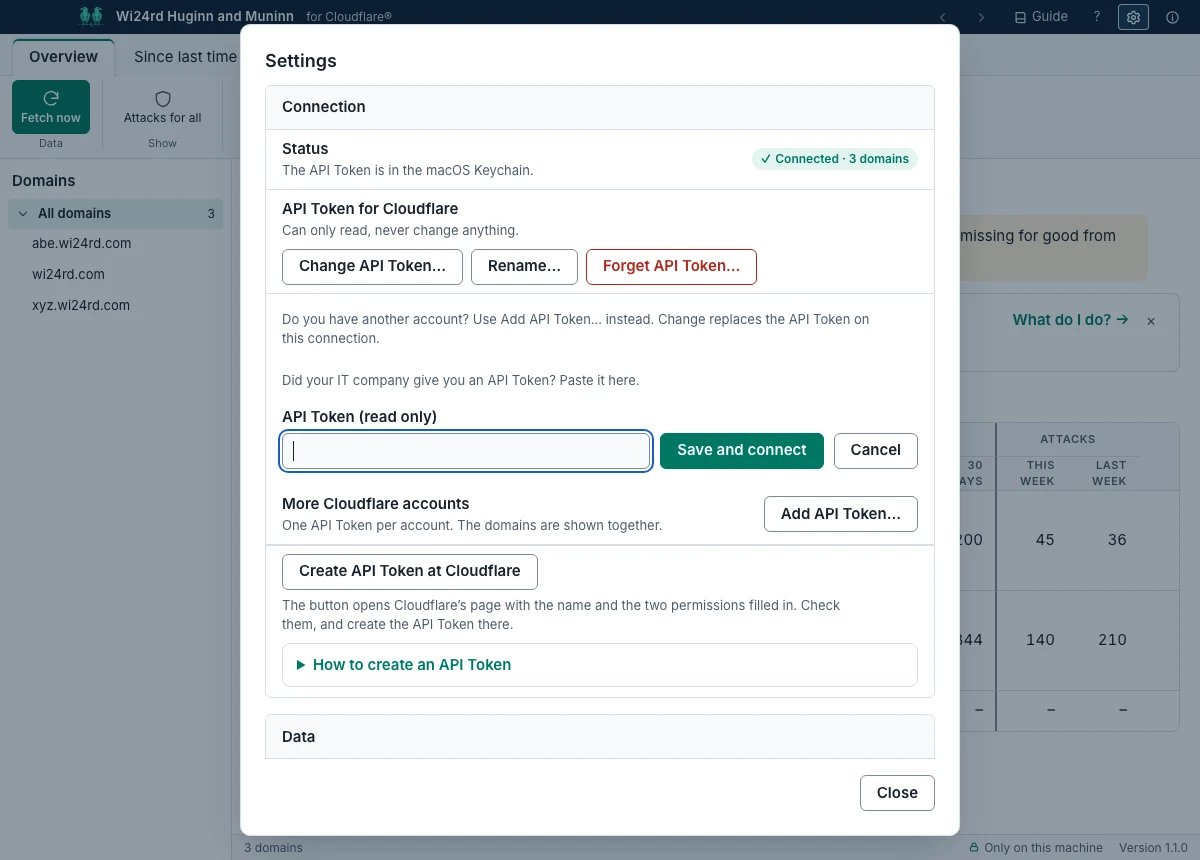
Settings is not a tab but a window on top of the view you are in. What you use while you work is placed as buttons where it is used:
| You want to | How to open it |
|---|---|
| Language, appearance, date, country, start at login, notifications, connections (API Tokens), data | The gear at the top right, or ⌘, (Windows: Ctrl+,) |
| Choose domains | Overview › Choose domains in the band |
| Choose notifications per domain | Overview › Notifications (the bell) in the band |
| Say what your site uses | Attacks › Edit technologies in the band |
| Edit login paths | Login › Edit paths in the band |
| Version, licence and trademark | The i button next to the gear |
Settings can be opened before you have connected to Cloudflare. Every field and switch is described in Settings.
Under Connection you have one connection per Cloudflare account. Here you add one more account with Add API Token…, and each connection can be renamed (Rename…), have its API Token changed (Change API Token…) and be forgotten (Forget API Token…, with more than one connection Forget…). With more than one connection the group is called Connections. See Connection.