Shortcut: ⌘4
What does it show?
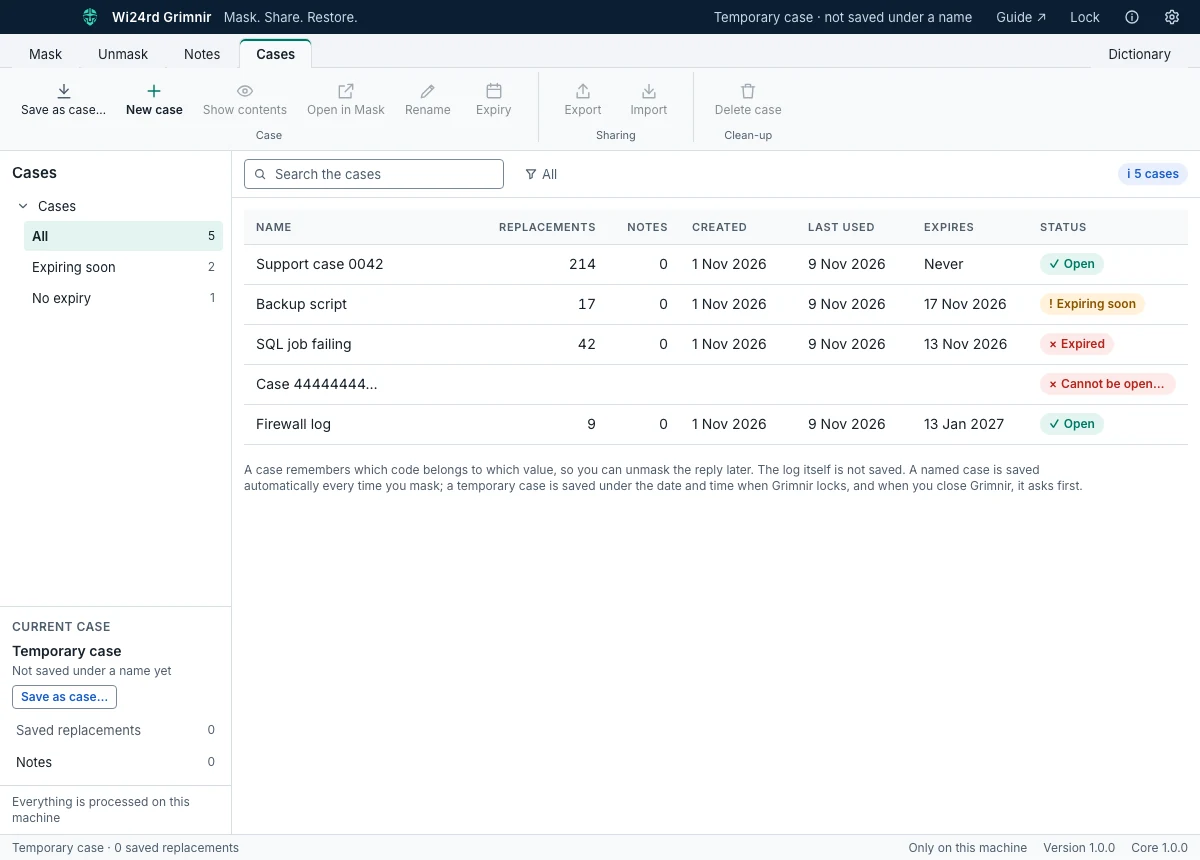
A case remembers which code belongs to which value, so you can unmask the reply later. The log itself is not saved. Each case is one encrypted file on your Mac with its own key in the keychain. Cases shows the list of your saved cases.
| Column | Means |
|---|---|
| Name | The case name. A case that cannot be opened is called Case and the start of its id, because the name is only stored encrypted in the file. |
| Replacements | How many values the case remembers. |
| Notes | How many notes the case has. |
| Created and Last used | The dates. |
| Expires | The case's expiry, or Never. |
| Status | Open, Expiring soon (within 7 days), Expired or Cannot be opened. If you hold the mouse over a case that cannot be opened, the tooltip says why. |
The tree on the left filters: All, Expiring soon (including the expired ones) and No expiry. Search the cases searches the names.
The temporary case and named cases
- The temporary case is the one you work in when you have not chosen a case. It exists only in memory. If Grimnir locks or quits, it is saved automatically as a named case with the date and time as its name, if it has values. If you close Grimnir yourself, Grimnir asks first.
- A named case is saved automatically every time you mask.
How to do it
Save the temporary case under a name
Press Save as case… (in the command bar, under Current case on the left or in the case dialog in the title bar). Enter a name, choose an expiry if you like, and press Create case. The temporary case with its values and notes becomes the new case.
Create a new case
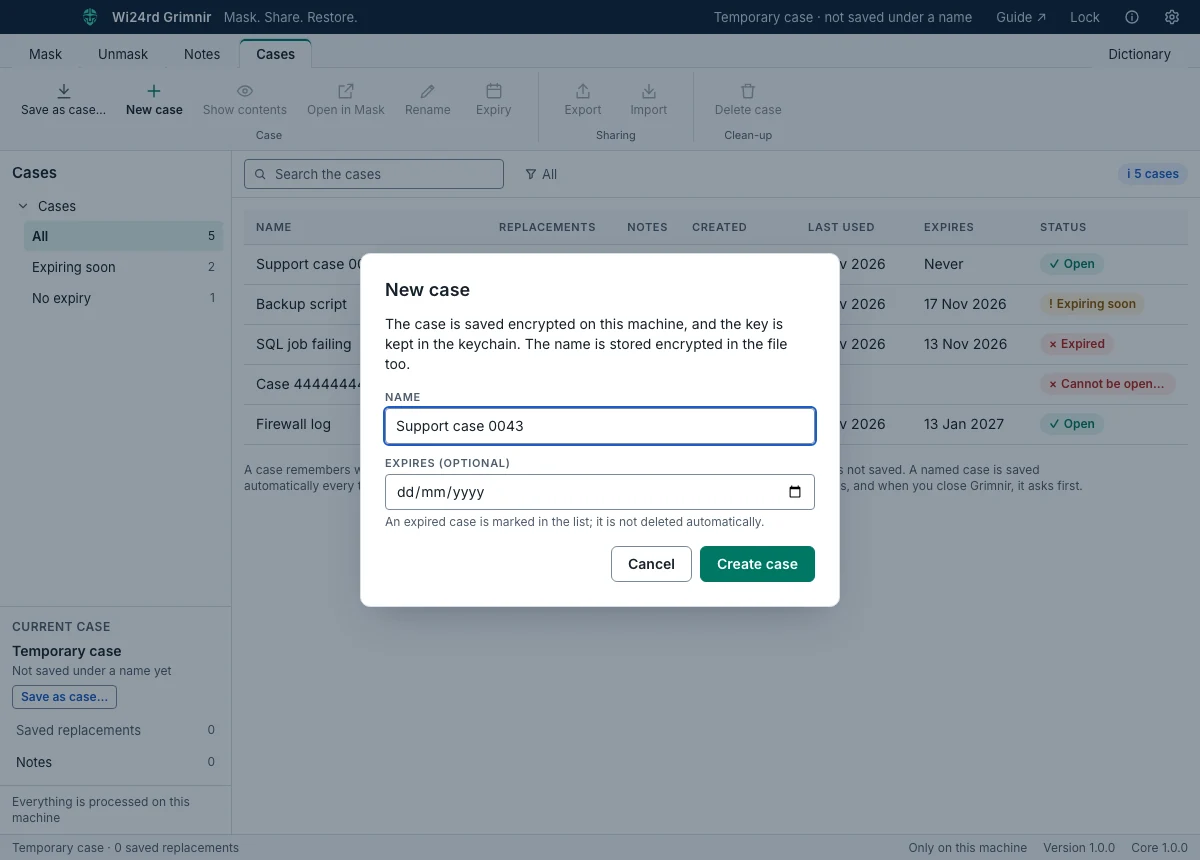
Press New case. The name must be 1–120 characters without line breaks. If a named case is open, it is closed (it is saved), and the new case starts empty.
Open a case
Select the case, and press Open in Mask. Then you mask and unmask with that case's codes. If the temporary case has values, Grimnir asks first:
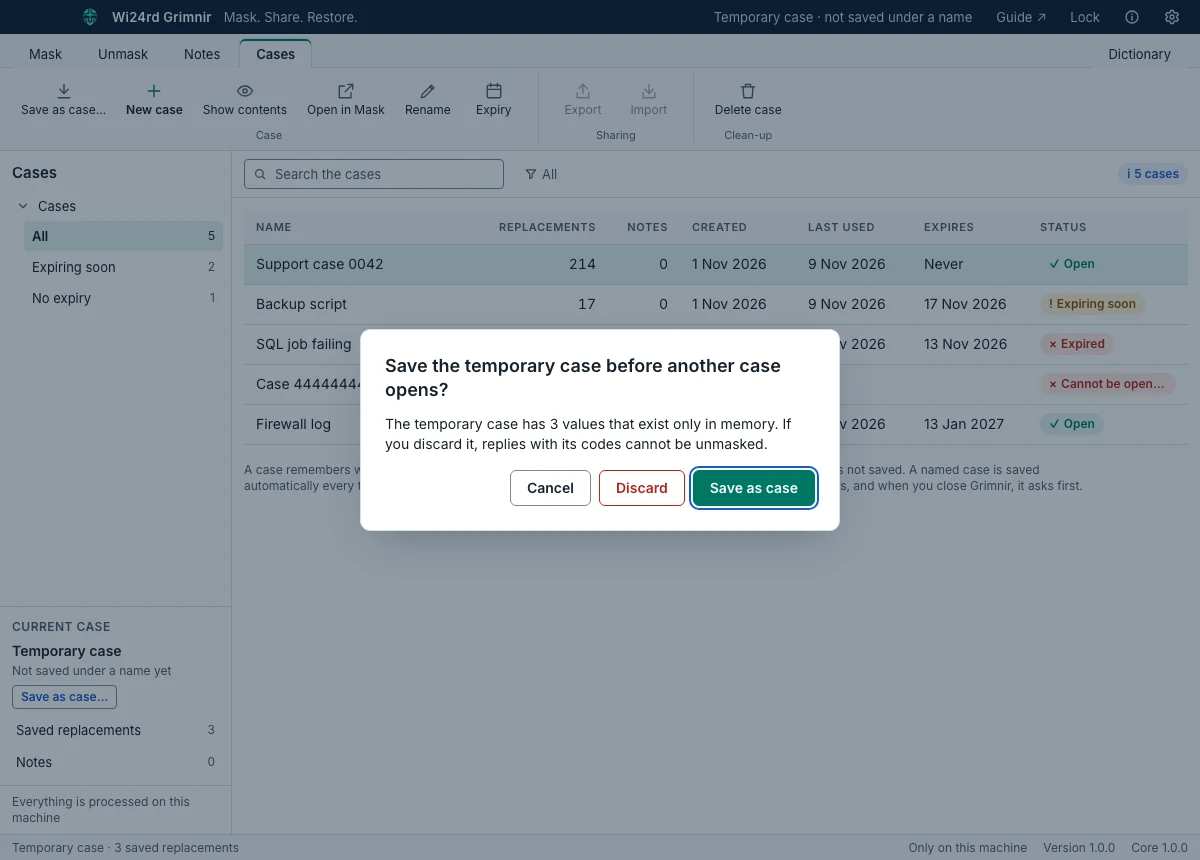
The open case appears in the title bar as Case: “name” · saved automatically. A click opens the case dialog with Close case, which closes the case here; the file stays.
See the case contents
Press Show contents, press Enter, or double-click the case. The contents show each value with Type, Code, Real value and Earlier codes. The case does not keep how many places the values appeared.
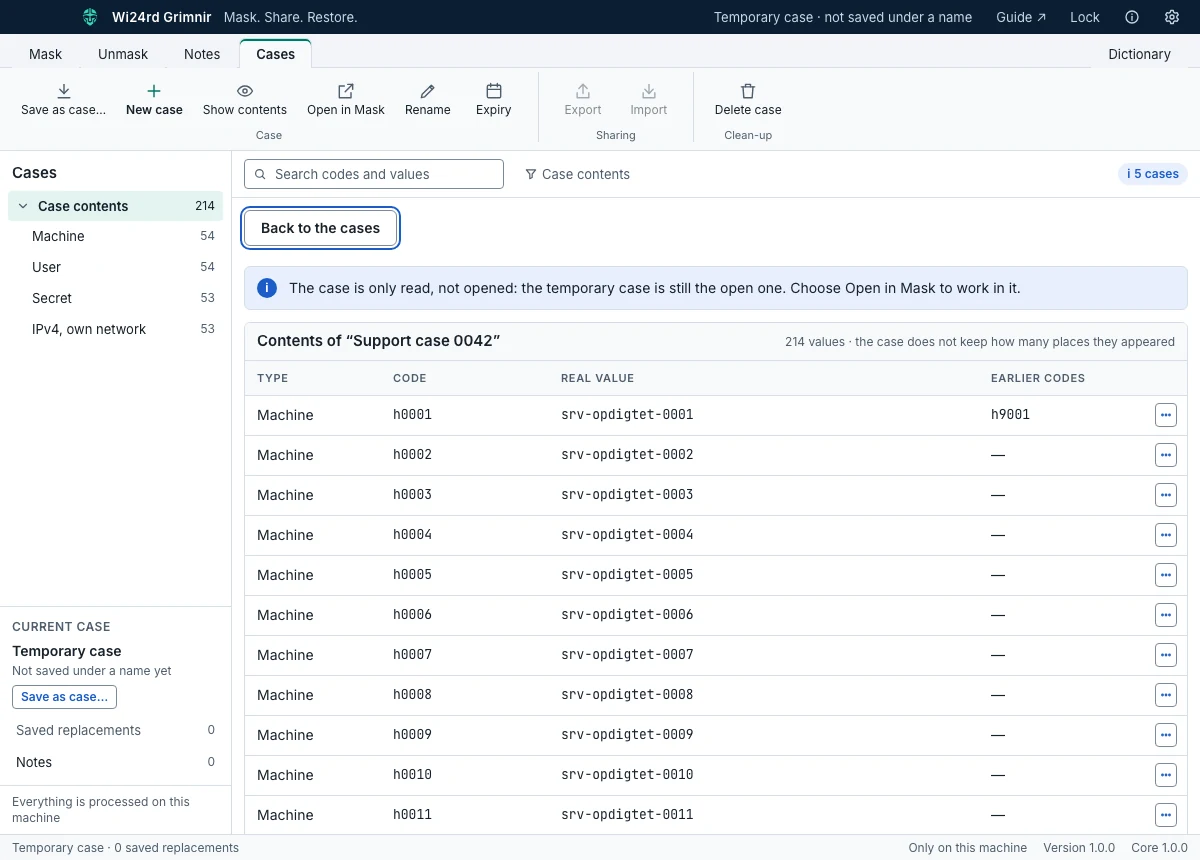
The row's … menu has Copy value and Delete:
- Copy value copies the real value. Grimnir writes it to the clipboard itself with the marker for confidential content and removes it on lock and quit if it is still there. A secret never passes through the window.
- Delete deletes a replacement from the case. This can only be done in the open case; open it in Mask first.
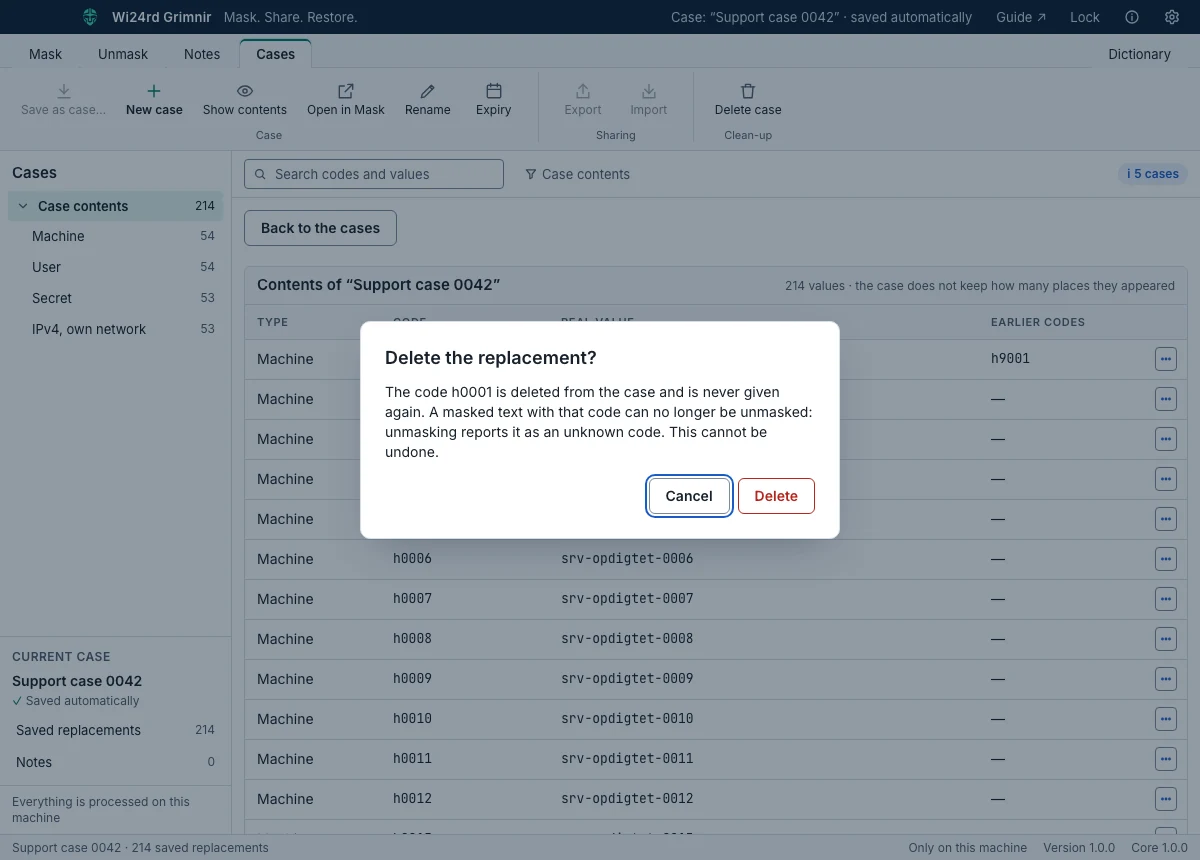
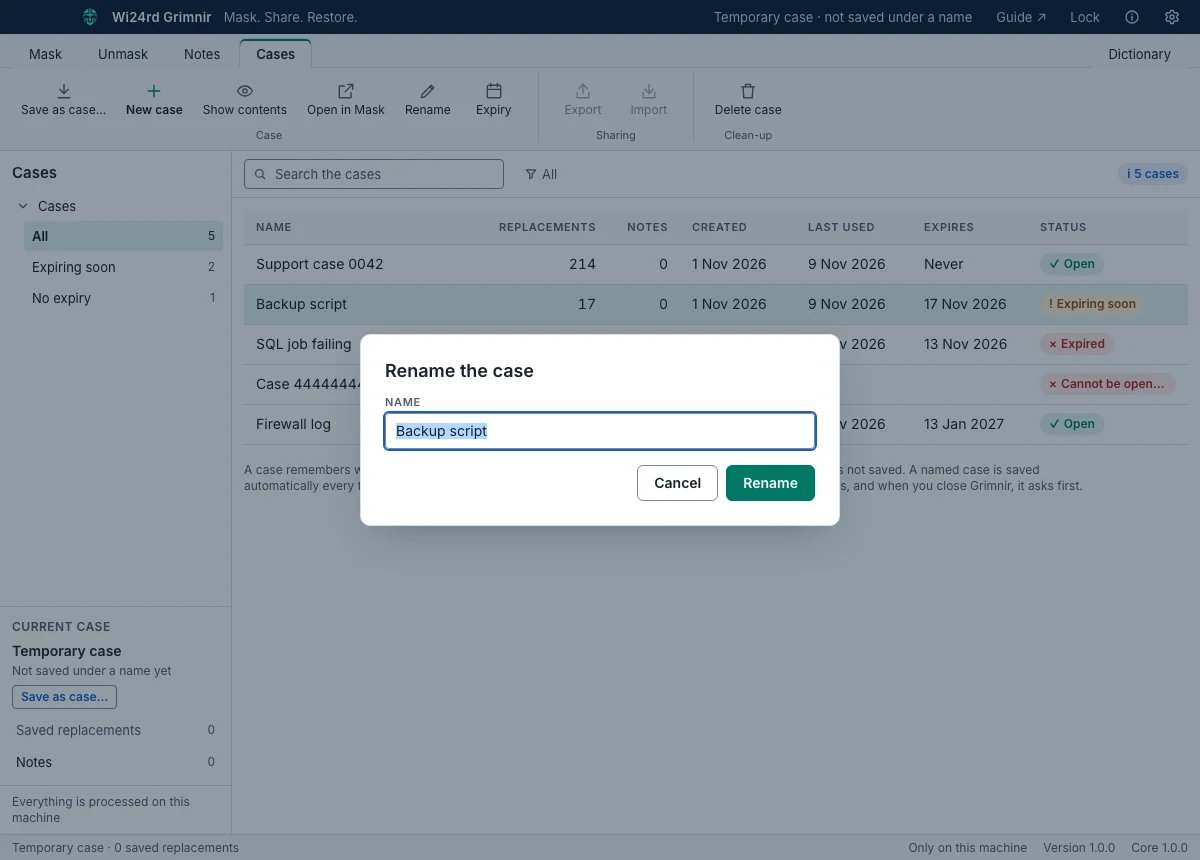
Rename
Set an expiry
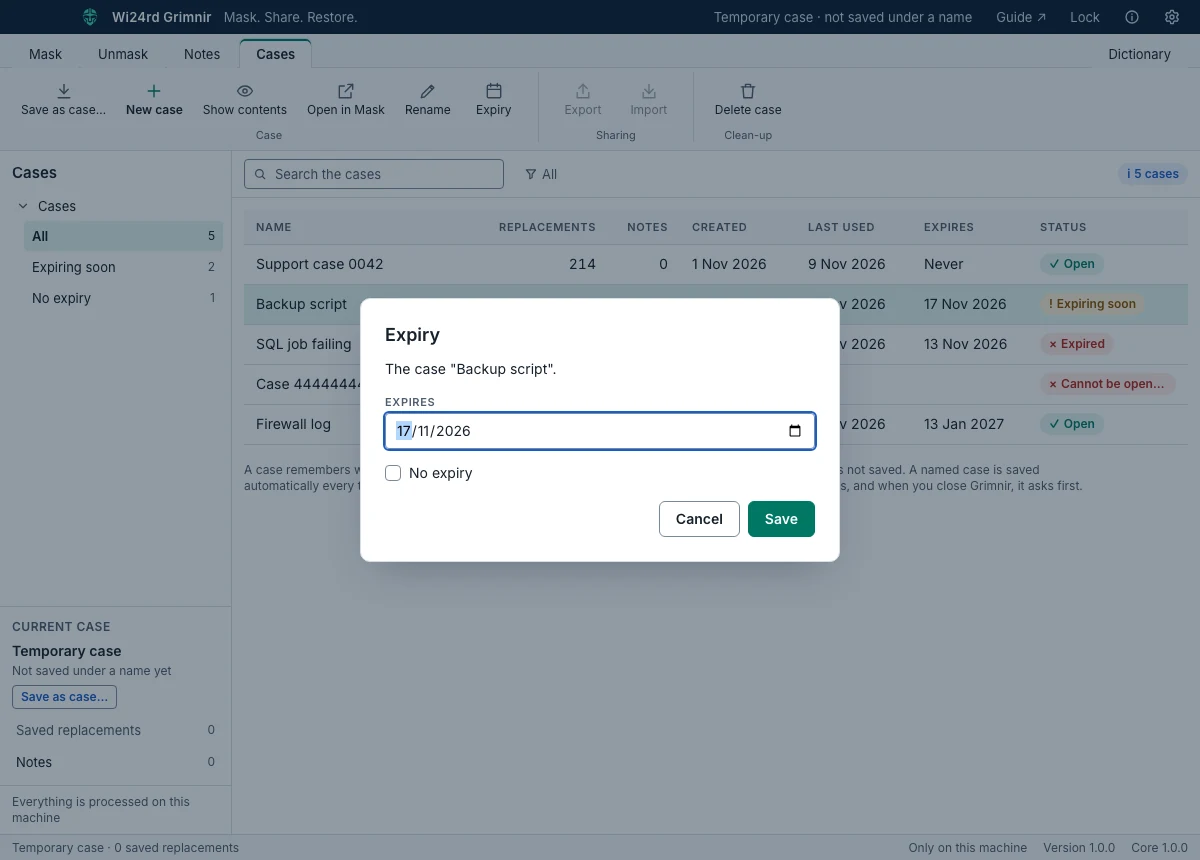
An expired case is marked in the list; it is not deleted automatically, and its codes can still be unmasked.
Delete a case
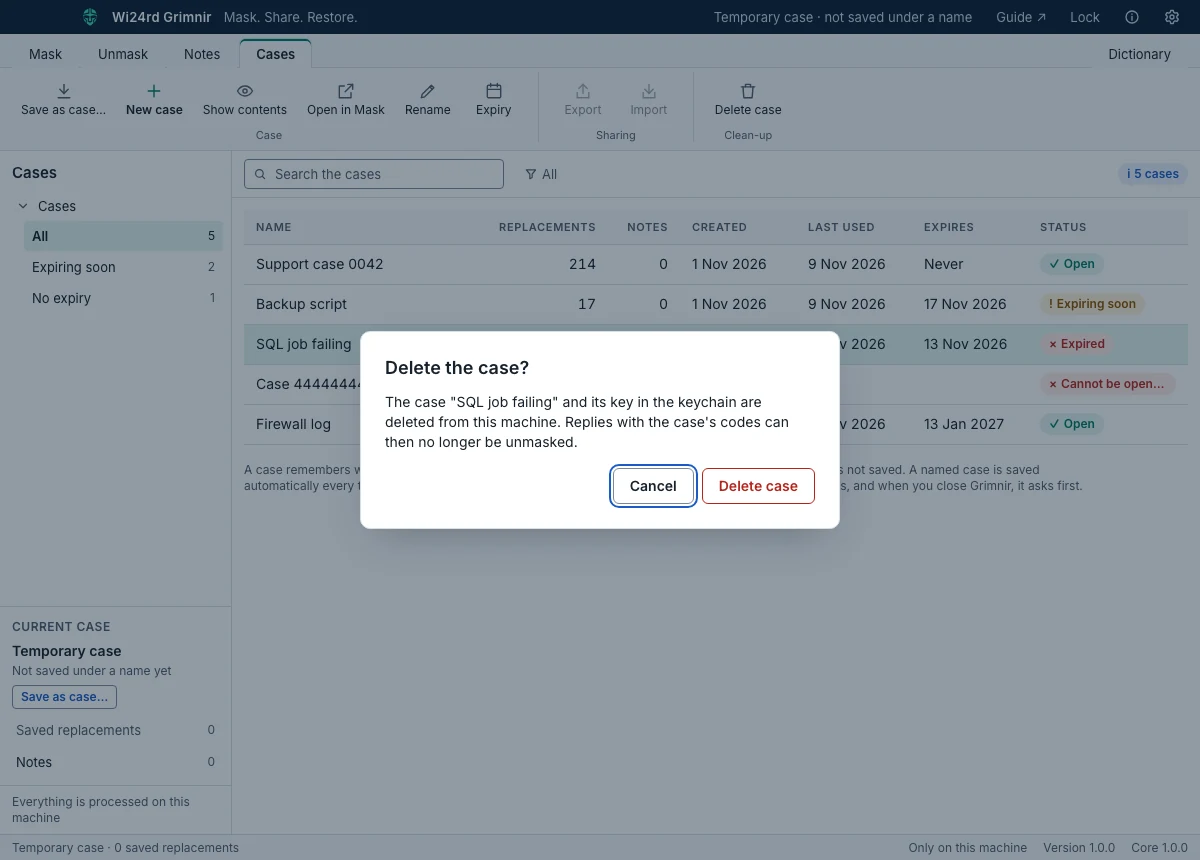
Delete case deletes the case file and its key in the keychain from your Mac. Replies with the case's codes can then no longer be unmasked.
Export and Import are greyed out: they are coming in a later version of Grimnir.
Click through
- Enter or a double-click on a case shows its contents.
- A filter in the tree shows only those cases.
- Saved replacements under Current case on the left shows the open case's contents.
