Grimnir has no account and nothing to connect to. Setup is three things: unlock, go through the guide, and add your own domains, networks and machine names to the dictionary.
1. Unlock
Grimnir always starts locked. macOS asks for Touch ID or your password straight away, and the lock screen stays behind the dialog until you have answered.
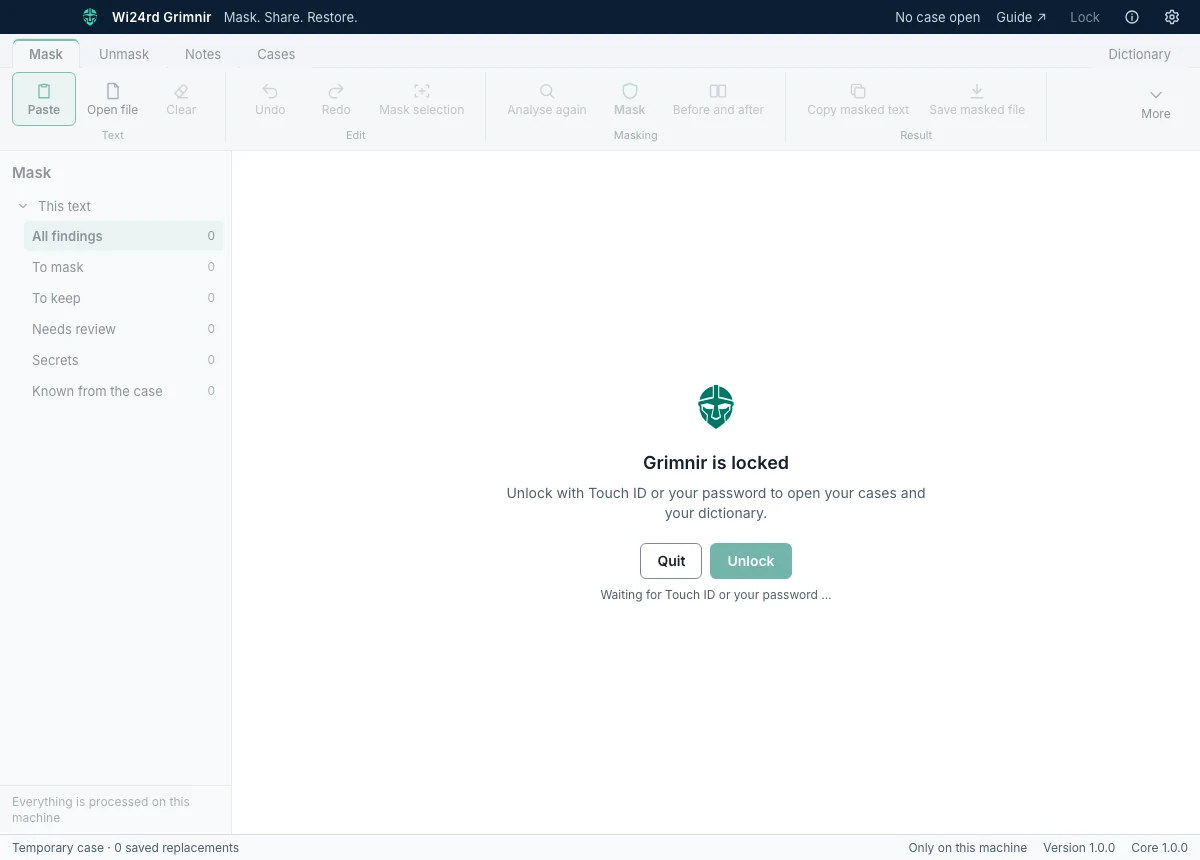
- If you answer with Touch ID or your password, the lock screen disappears, and your cases and your dictionary are loaded.
- If you cancel, it says Grimnir is still locked. Press Unlock to try again. Press Unlock (or Enter) to try again.
- Quit closes Grimnir.
More about the lock is in The lock.
2. The guide
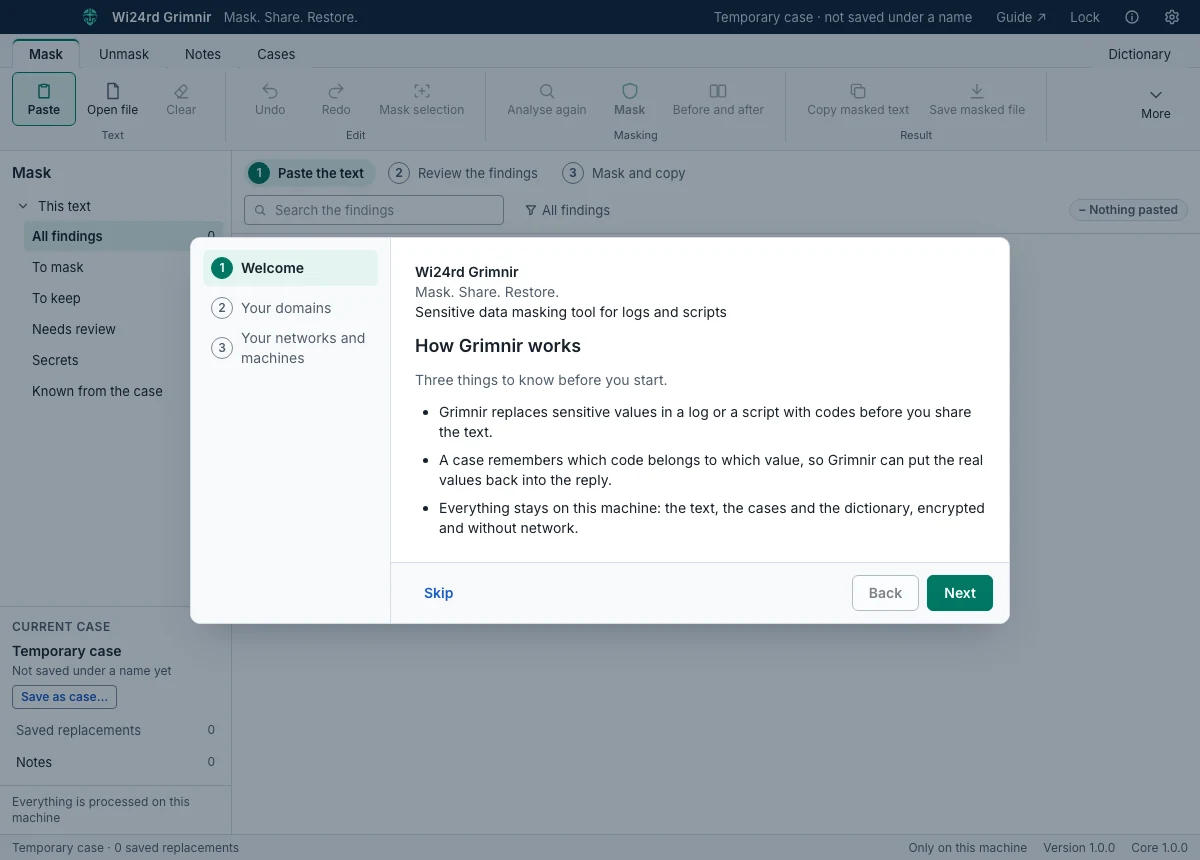
The first time you have unlocked, and your dictionary is empty, a guide in three steps opens. You can skip it at every step with Skip or Esc. When you have pressed Done or Skip, it does not open by itself again. You open it again under Settings with Show the guide again.
Step 1: Welcome
Step 2: Your domains
Enter the domains that are yours in the field Domain or NetBIOS name, and press Add (or Enter). Machines under your domains are always masked. A value with a dot becomes a domain, e.g. eksempel.dk. A value without a dot becomes a NetBIOS domain, e.g. KONTOR.
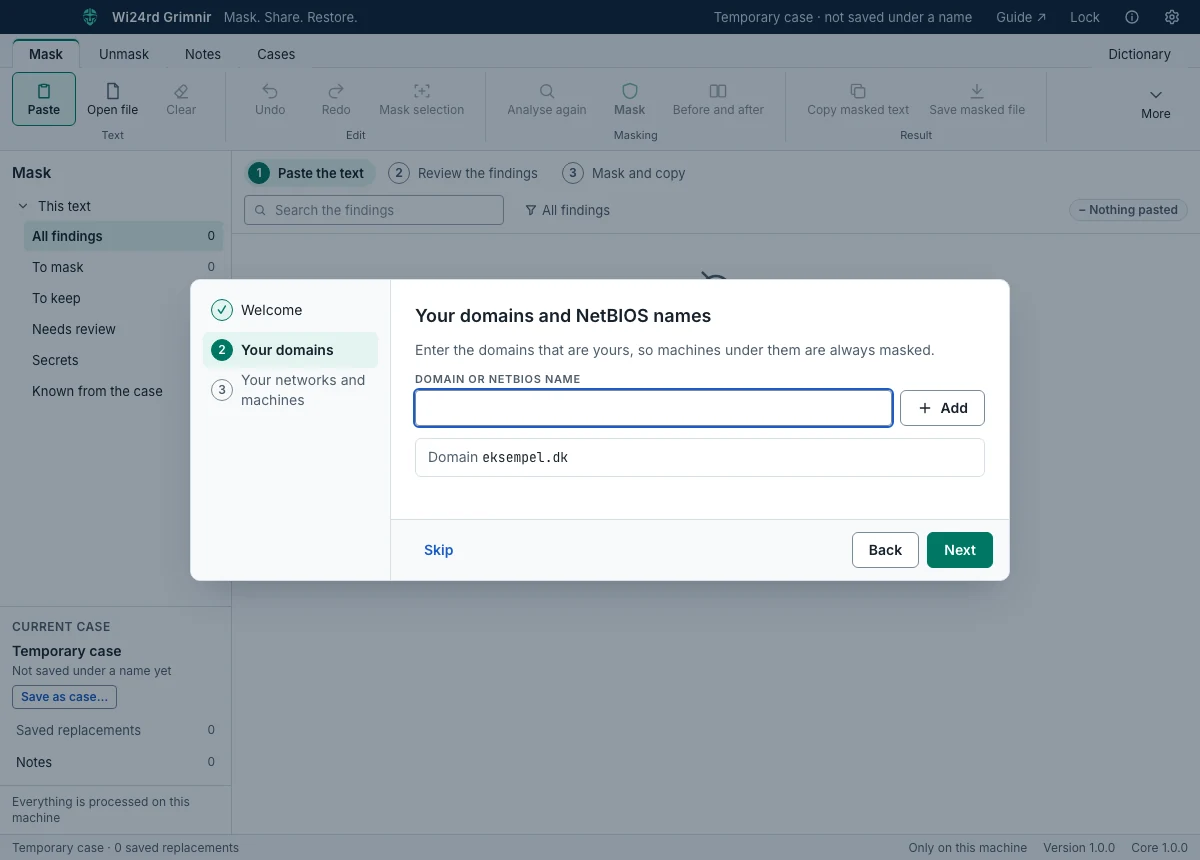
eksempel.dk added to the dictionary. The list under the field shows what is already there.Step 3: Your networks and machines
- Own network: a network in CIDR form (address/prefix), e.g.
192.0.2.0/24, or one address. The private networks under RFC 1918 are always your own; here you enter the others. - Name pattern: the form of your machine names.
#is one digit,*is any letters, digits and-.srv-###catchessrv-068, even without a domain.
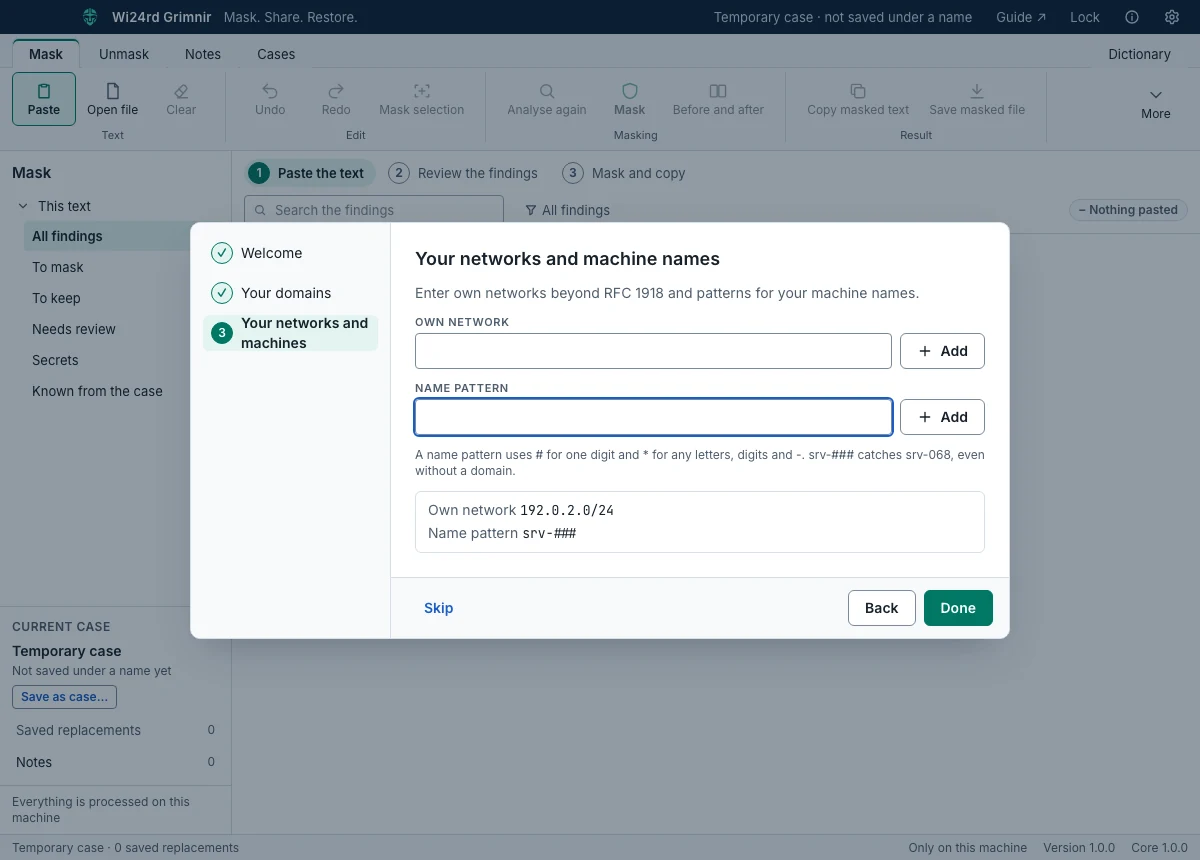
Everything you add in the guide goes straight into the dictionary. You can edit or remove it afterwards under Dictionary.
3. The dictionary
The dictionary is what Grimnir must always find, whatever the case, and what it must never touch. The guide puts your domains, networks and name patterns there. Words, people and values that must never be masked you add yourself under Dictionary. See Dictionary.
Choices for new cases
Under Settings you choose whether new cases mask public addresses, whether the last octet is kept in your own networks, and how long a new case lasts. The defaults suit most people. See Settings.
