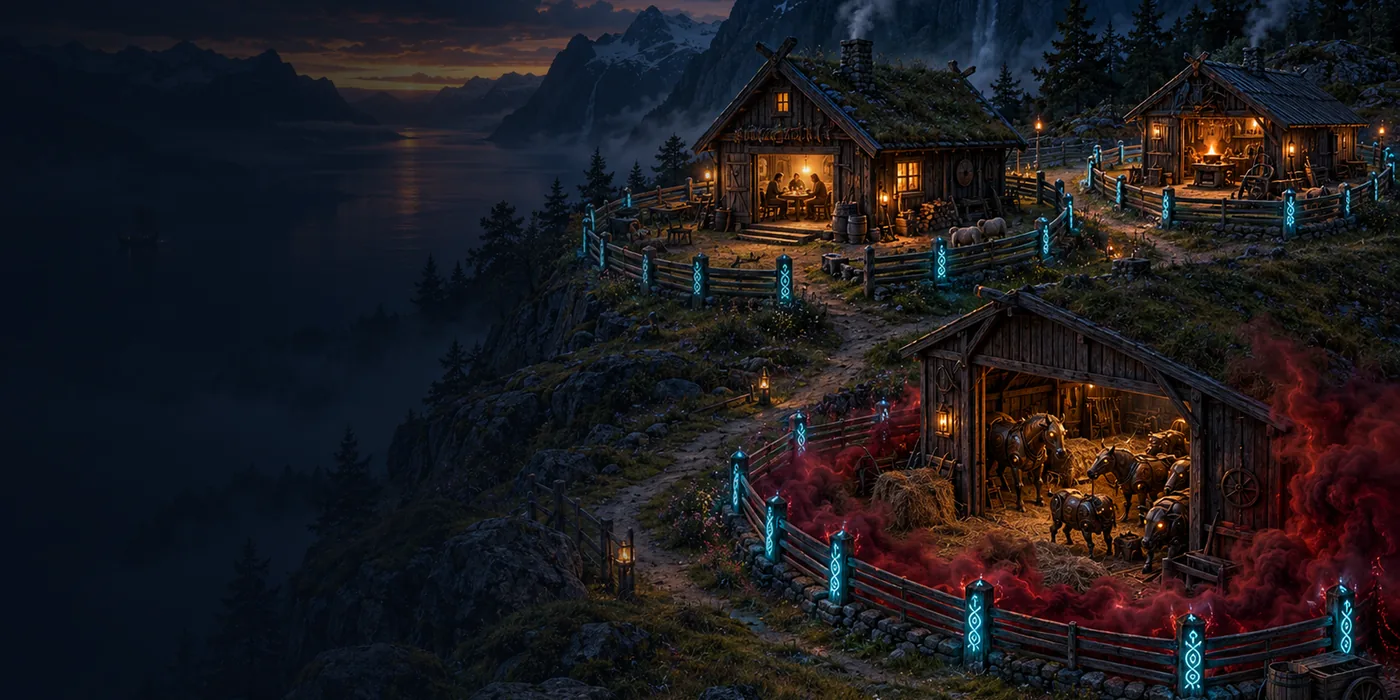
Security tip 13 · The family
You are not the weakest link.
An attacker does not go for the most careful person in the house, but for the easiest: the child’s laptop, the spouse’s email or the printer from 2014. Then it does not help that you look after your own computer – unless the network is divided up.
Last checked 1 November 2026
Short answer
Put the TV, the robot vacuum and other smart devices on the guest network, use standard user accounts (not administrator) for everyday use, turn on automatic updates and passkeys, and change the router’s DNS to 1.1.1.3. VLAN segmentation is the next level.
- Time
- ~45 min the easy level
- Price
- Free with the router you have
- Covers
- The whole household
- Needs
- Access to the router and a chat
Why
One click in the wrong room.
In most homes everything is on one network: the work computer, the children’s gaming machine, the TV, the doorbell camera and the old printer. If one of them is taken over – because someone clicked an image, downloaded a "free" mod or because the camera has never been updated – the attacker can reach all the others from there.
It is not a question of trusting the family. It is a question of building the house so that one mistake stays in one room.
- The familycomputers and phones
- Guestsinternet only
- IoTTV, camera, printer
- The routerkeeps them apart
Experience
The man behind Wi24rd has divided up his own home network for many years, and the devices that can rarely or never be updated sit on their own behind an extra firewall.
The easy level
Six steps, about 45 minutes.
Put IoT on the guest network
Almost every router has a guest network. Switch it on and make sure guests may not reach the local network (the setting is often called "access to intranet" or "isolate clients"). Move the TV, cameras, smart plugs and the printer over there.
An account for everyone
The children should have their own user account on the computer – a standard user, not an administrator. Then a program they download cannot install itself across the whole system without an adult’s password.
Automatic updates everywhere
Switch on automatic updates on every computer, phone and tablet – including the spouse’s and the grandparents’ iPad. It is the cheapest protection there is.
Passkeys on the family’s email
Segmentation protects the network, not the accounts. If someone clicks a fake login, it is the email account that is taken over. Switch on passkeys or two-step verification on the whole family’s email – it can reset everything else.
Safe DNS for the family
Set the router to
1.1.1.3(malware, phishing and adult content), as in tip 8. It stops known dangerous sites before anyone gets to click.The old has to go – or be on its own
A device that no longer gets updates – the old router, the NAS or the camera – should be replaced or sit on its own network with no access to the rest. And then it belongs in the yearly clean-up.
Next level
VLANs and rules between them.
With a router that supports VLANs – e.g. UniFi, OPNsense, pfSense or MikroTik – the network can be split into more segments than just "family" and "guests". A common split:
- Adults
- Work computers. May reach the other segments, but not the other way round.
- Children
- Games and school. Internet and the printer only, safe DNS.
- IoT
- TV, speakers, plugs. Internet only – never the other segments.
- Cameras
- Preferably no internet access at all. The recorder fetches the footage.
- Guests
- Internet only, clients isolated from each other.
The firewall rule: everything between the segments is blocked, and what must be allowed is opened one at a time.
Honest about the limits
- It costs a little convenience. Casting to the TV and printing from the phone need the devices to find each other across segments. It can be solved (mDNS forwarding), but plan for it.
- The guest network is not the same everywhere. On some routers, guests can see each other. Check the client isolation setting.
- Do not tell the world how your network is built. Brands, segments and where IoT sits are exactly what an attacker would like to know in advance.
About this tip
The tip builds on the split the man behind Wi24rd has used at home for many years. How his own network is built in detail is deliberately not described here.
The man behind Wi24rd has used Cloudflare himself since he saw them at Black Hat in London in 2015. Wi24rd has no financial interest in Cloudflare – no money, discounts or services.

Missing a tip?
Write what you would like explained. The next security tip could be yours.