Software / Grimnir
Wi24rd Grimnir
Mask. Share. Restore.
Mask what is sensitive before you share a log or a script – and get the real values back in the answer.
Version 1.0.0 for macOS (Apple silicon, macOS 11 or later). Signed with Developer ID and notarised by Apple. The Windows version has not been built.
Share the problem – not your network.
A log or a script tells more than you think: IP addresses, machine names, user names and now and then a password. Wi24rd Grimnir is a macOS app that replaces those values with neutral codes before you send the text to a vendor’s support desk or paste it into a chatbot. When the answer comes back, Grimnir puts the real values in again in place of the codes.
In Norse mythology Grimnir, “the masked one”, is one of Odin’s names – the one he uses when he travels in disguise.
Grimnir finds a lot, but does not promise to find everything. Each finding has a status – Certain, From dictionary, Probable, Check yourself or Version – and you can mark a value the app did not find. Always read the masked text through before you share it.

Everything stays on your Mac
The app has no network code and sends nothing: no telemetry, no account and no Wi24rd server. The tests in the repository check the app’s dependencies and source code for networking. The Guide button only asks macOS to open a page in your browser.
A look at the app
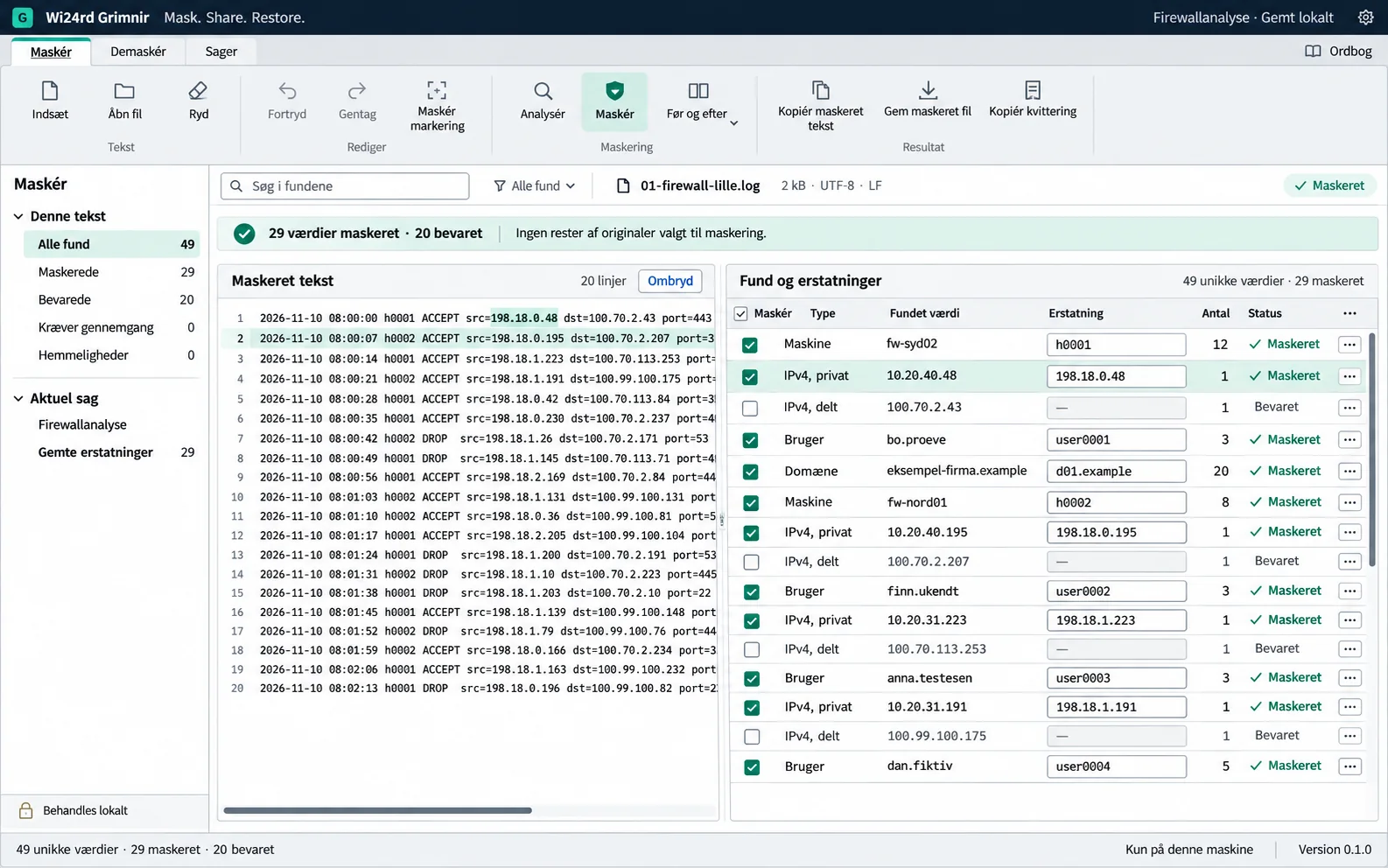
Findings on the right, the masked text on the left.
A sketch from the design phase with made-up example values – not a screenshot of version 1.0.0. The released version has five tabs (Mask, Unmask, Notes, Cases and Dictionary) and may look different.
What it does
Features in version 1.0.0.
Finds what is sensitive
IP addresses (IPv4 and IPv6), MAC addresses, machine names, domains, users, people, databases, Danish CPR numbers and secrets such as passwords, keys and tokens. Compound values are split into their parts, for example an email address, a URL or DOMAIN\user.
Mask, share, unmask
Each value gets a neutral code. When the answer comes back, Grimnir puts the real values in again – and warns about codes it does not know and codes that were not used.
Your own dictionary
Tell Grimnir about your own domains, networks, naming patterns, people and words that must always be found – or never be masked. “Try on text” shows what the dictionary finds without storing the text.
Encrypted cases behind a lock
The codes and the real values are stored in cases – one encrypted file per case (XChaCha20-Poly1305) with the key in the macOS keychain. Grimnir always starts locked and is unlocked with Touch ID or your password. The lock is for someone who sits down at your unlocked Mac; it does not protect against other programs on your Mac.
Secrets are shown as dots
A password or a key is only shown when you choose Show. What Grimnir copies from a case or an unmasked text is marked as confidential, so programs that keep clipboard history and follow that convention can skip it.
Large files – the original is untouched
Paste a text or open a file of up to 100 MB. The analysis and the masking cover the whole file, and the original file is never changed: you save or copy a masked version.
Get the app
Get Grimnir for macOS.
Version 1.0.0 for macOS (Apple silicon, macOS 11 or later). Signed with Developer ID and notarised by Apple. The Windows version has not been built.
Open the zip file and drag the app to Applications.
Signed and notarised by Apple · Apple silicon · macOS 11 or newer
The Windows version has not been built. Check what you downloaded.
Open source
Grimnir is open source under Apache 2.0. The source code is on GitHub.
The user guide follows version 1.0.0: from installation to uninstalling.
Is there a kind of value you would like Grimnir to mask? Write to Wi24rd
The portfolio
More from Wi24rd.
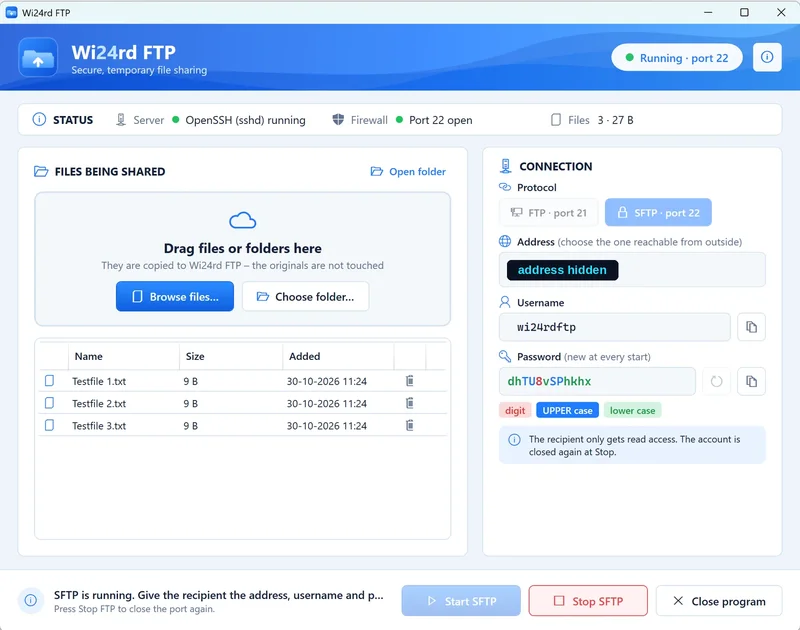
Wi24rd FTP
Temporary file sharing on Windows’ built-in FTP/SFTP server. Drag files in, press Start, share the address and one-time code, press Stop.
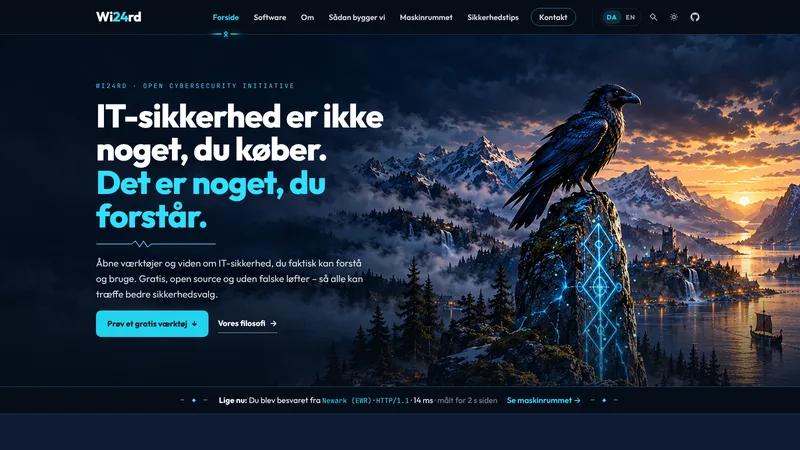
Wi24rd Site Kit
A complete website on Cloudflare’s free plan – with 40+ Cloudflare features. The engine behind this site, which is itself the live example.
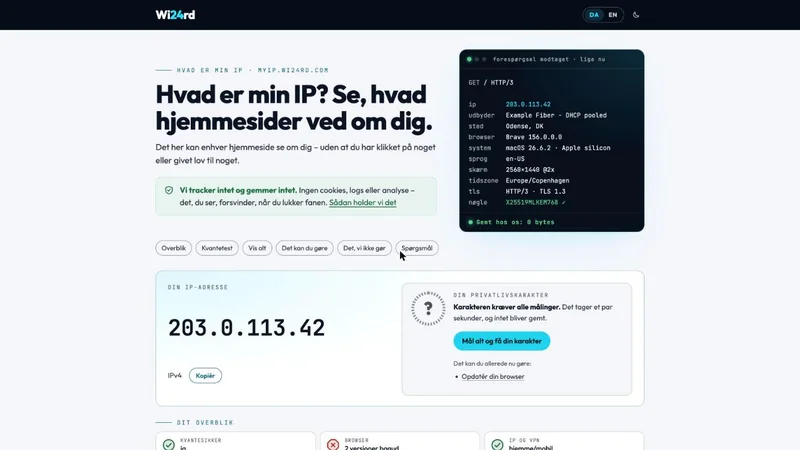
Hvad er min IP? · myip.wi24rd.com
See what any website can see about you: IP address, provider, location, browser fingerprint, WebRTC leak, VPN and quantum-safety tests. Runs in your browser – no cookies, nothing stored.
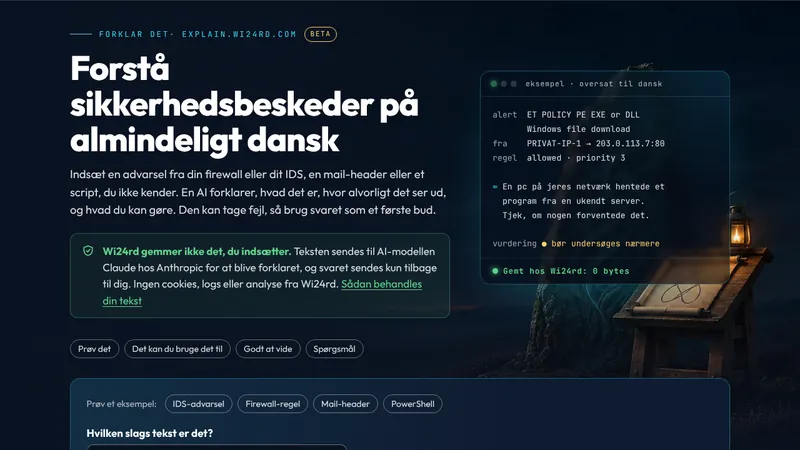
Forklar det · explain.wi24rd.com
Paste a firewall or IDS alert, an email header or a script and get it explained in plain English by an AI: what it is, how serious it looks and what you can do. Wi24rd does not store what you paste.
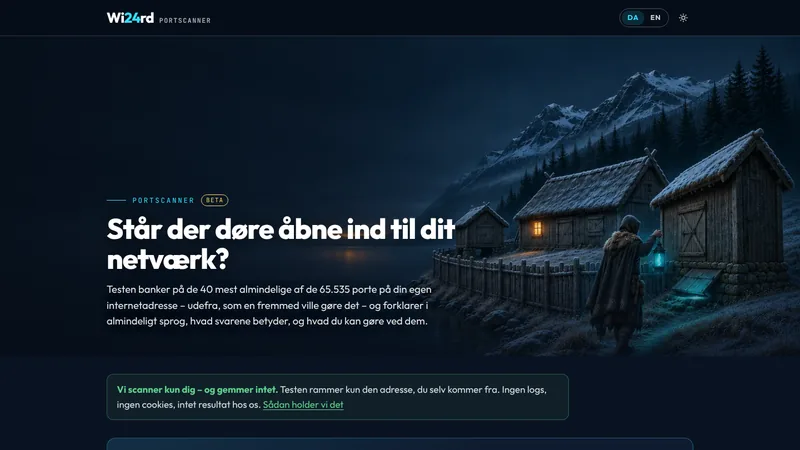
Portscanner · portscan.wi24rd.com
Tests the 40 most common ports on your own internet address from outside – like ShieldsUP! – and explains in plain English what is open and how to close it. Scans only you and stores nothing.

Webscanner · webscan.wi24rd.com
26 checks of your website and domain using what anyone can see: encryption, security headers, tracking before consent, email (SPF, DKIM, DMARC), DNS and lookalike domains. Every finding is explained so you can fix it.
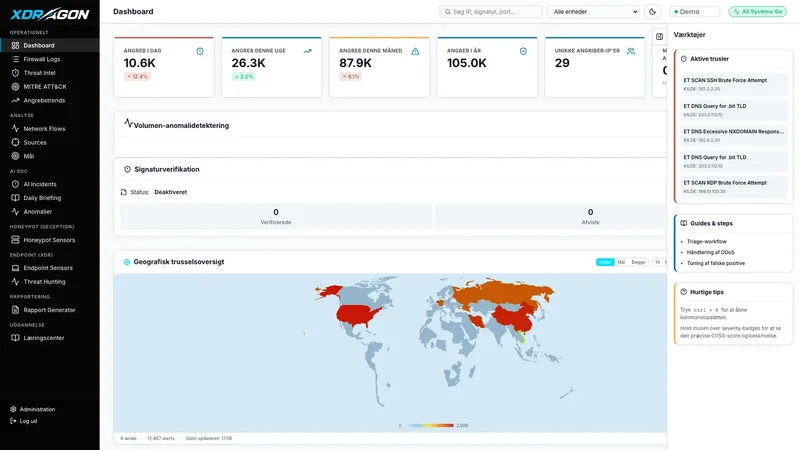
XDRagon Monitor
Open-source security monitoring (XDR) for small and mid-sized businesses without a security team. The AI is being built to explain what it saw – and show the evidence.
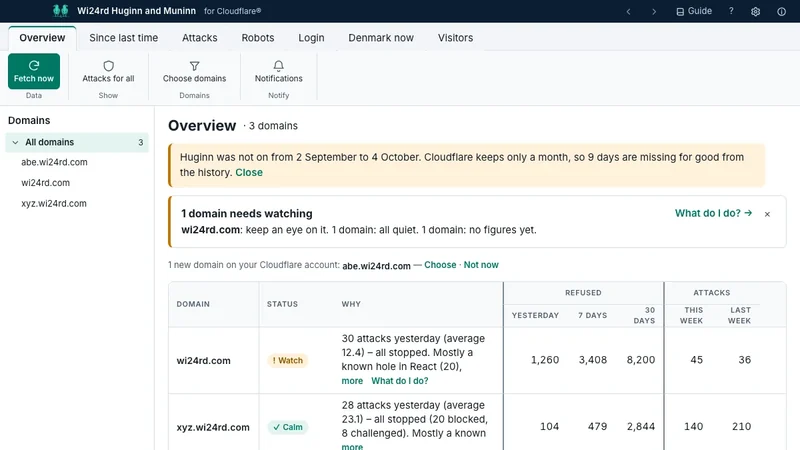
Huginn and Muninn
A macOS app that shows the security of your own Cloudflare domains – attacks, bots and logins – explained in plain language. Version 1.1.0 is signed and notarised by Apple.

Have a useful idea?
Feature requests, bug reports and questions are welcome. Every message is read by a person – add your email if you would like a reply.